
Best backpacks for college girls usually come down to three things: comfort you can live with all day, protection for your laptop, and a layout that keeps you organized when life gets busy.
If you have ever dug for a charger in the bottom of a cute bag while running late, you already know why this matters. A backpack is not just a style choice on campus, it is a daily tool that can make your schedule easier or quietly harder.
This guide focuses on practical buying criteria, common “I wish I knew that” mistakes, and a few reliable backpack types that tend to work for different majors and routines, without pretending there is one perfect bag for everyone.
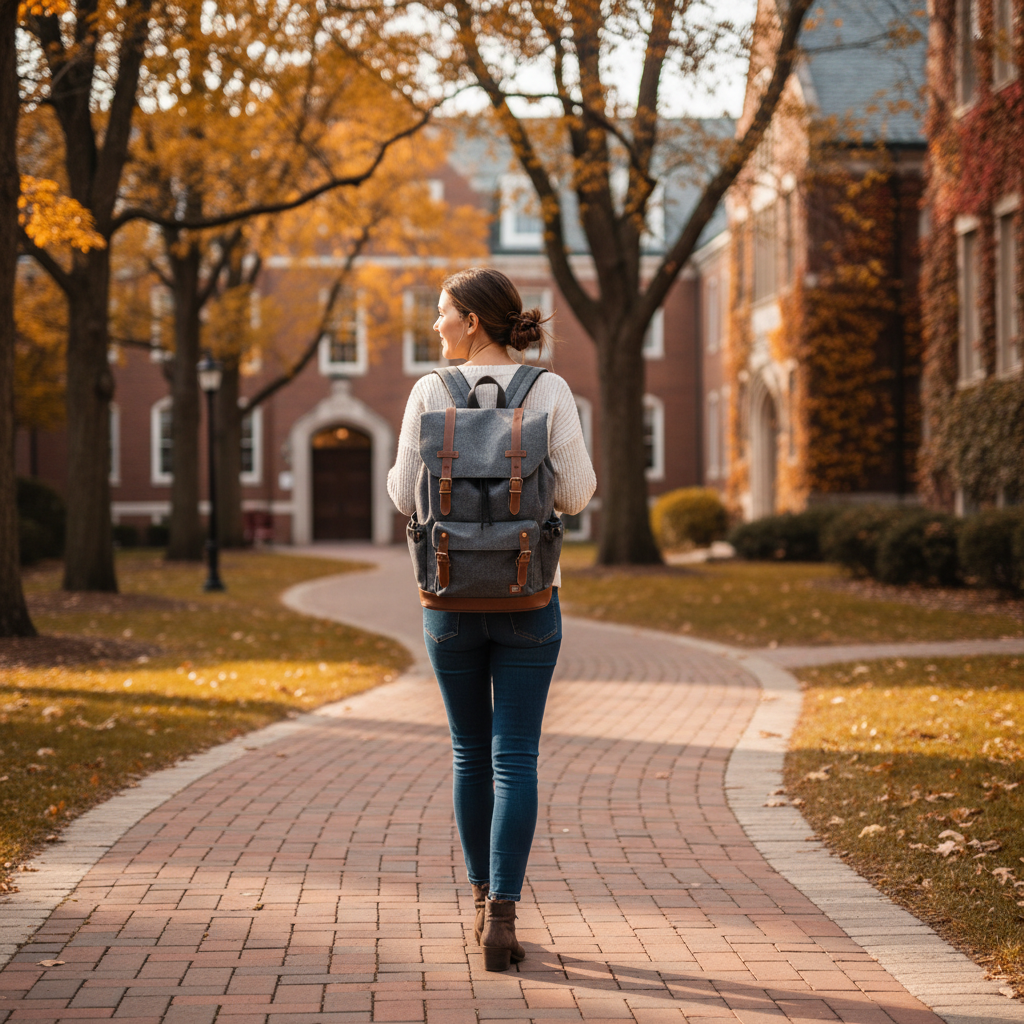
What really makes a great college backpack (beyond “it’s cute”)
A backpack can look perfect online and still feel annoying by week two. When you compare options, prioritize the things you notice every single day.
- Comfort geometry: padded shoulder straps, breathable back panel, and ideally a sternum strap if you walk a lot. Thin straps tend to dig in, especially with a laptop.
- Real laptop protection: a suspended, padded laptop sleeve keeps your device from tapping the ground when you set the bag down.
- Capacity that matches your routine: many students land in the 18–28L range, but your carry changes a lot by major and commute.
- Layout that prevents “bag chaos”: one main cavity is fine, but you want at least one quick-access pocket and a separate tech area.
- Weather readiness: water-resistant fabric helps; if you live in a rainy city, consider a rain cover or coated zippers.
According to OSHA, backpacks that are overloaded or worn incorrectly can contribute to strain, and they recommend using both straps and keeping loads reasonable. You do not need to panic about it, but it is a useful reminder to buy for comfort, not just looks.
Quick self-check: what kind of student day are you packing for?
Before you shop, do a fast “typical day” audit. This is the easiest way to avoid buying a backpack that fits your aesthetic but fights your schedule.
Pick the description that feels most like you
- Commuter day: laptop, charger, lunch, water bottle, maybe a light jacket, sometimes gym clothes.
- Walking campus day: you carry books, notebook, tablet, and you are on your feet most of the day.
- Lab or studio day: you need odd shapes, protective pockets, maybe room for a small kit or sketchbook.
- Minimal day: laptop plus small essentials, you prefer something slimmer and lighter.
Key takeaway: the “best backpacks for college girls” label is less helpful than matching capacity, structure, and pocketing to your real carry.
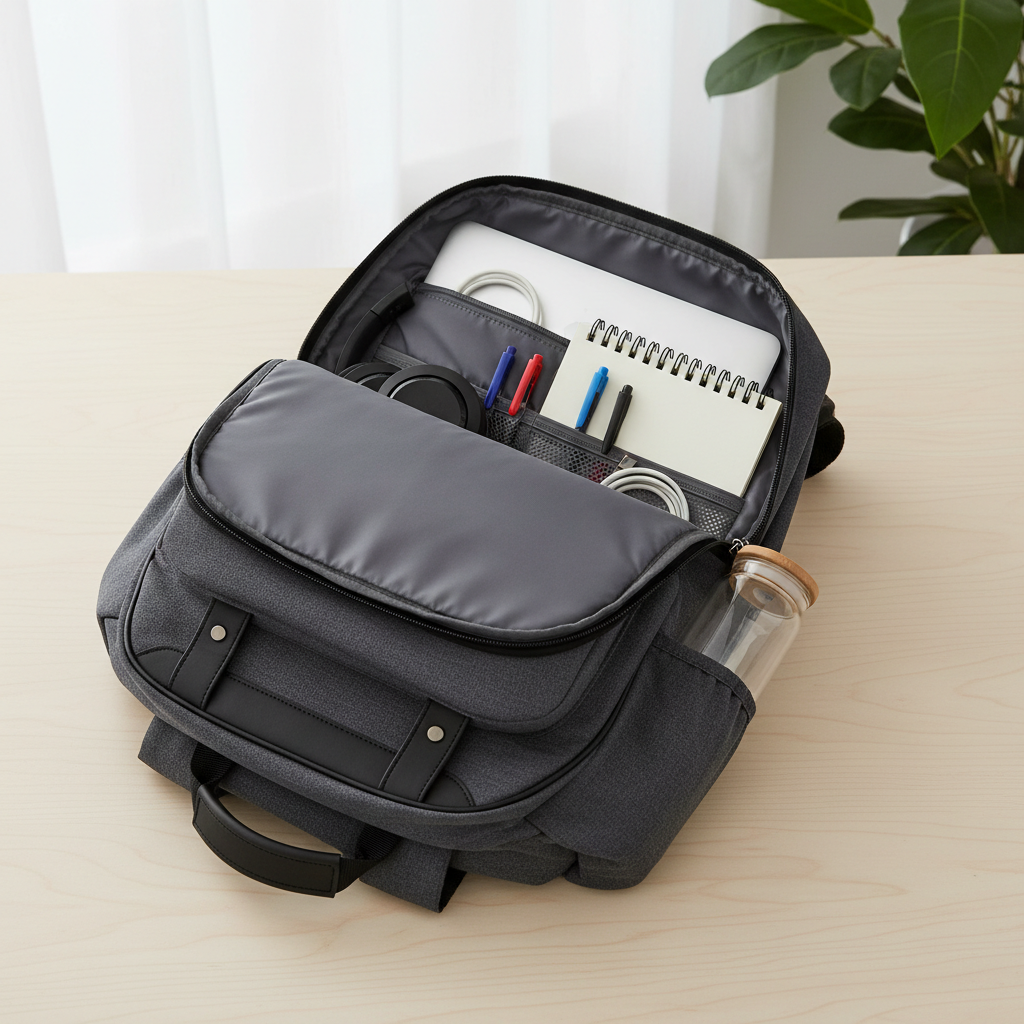
Backpack types that tend to work well for college girls
Instead of chasing a single “top pick,” it is usually smarter to choose a category that fits your campus life, then compare brands within that category.
Everyday campus backpack (the default choice)
This is the classic 20–26L option with a dedicated laptop sleeve, two or more pockets, and at least one bottle pocket. It works for most majors and schedules, and it is typically the best starting point if you are unsure.
Sleek laptop backpack (for internships and a polished look)
These look closer to a work bag, often with cleaner lines and fewer dangling straps. If you go from class to an office setting, this type can save you from feeling underdressed, while still carrying what you need.
Lightweight daypack (for minimal carry and lighter shoulders)
Great if you carry mostly tech and small items, or if you rely on a tablet and digital notes. Just be picky about strap padding, because ultralight designs sometimes sacrifice comfort.
Tote-backpack hybrid (for style, but with compromises)
Convenient for quick errands and looks cute, but many hybrids have weaker straps or awkward weight distribution. If you pick this type, make sure it still has a supportive back panel and a stable base.
How to choose the right size and features (a practical checklist)
If you only do one thing, do this: list the 5 items you carry most, then buy the bag that handles those comfortably.
Feature checklist you can use while shopping
- Laptop fit: confirm the sleeve fits your screen size, and check if it is suspended off the bottom.
- Straps: wide, padded straps; adjusters that do not slip; optional sternum strap for heavier loads.
- Back panel: at least some padding and airflow; stiff enough to avoid “laptop poking your back.”
- Bottle pockets: deep enough to hold a 24–32 oz bottle without launching it onto the sidewalk.
- Quick access: a top pocket or front pocket for keys, ID, lip balm, and earbuds.
- Zippers: smooth, sturdy pulls; if you commute in crowds, consider lockable zipper pulls.
- Weight: empty bag weight matters more than people think, especially if you walk far.
According to FTC guidance on shopping and advertising, it is smart to look for clear product descriptions and keep receipts for bigger purchases; for backpacks, that often translates into checking warranty terms and return windows before you commit.
Comparison table: what to prioritize by routine
This is a quick way to narrow choices without overthinking. Treat it as a starting point, not a rulebook.
| Routine | Suggested capacity | Top priorities | Nice-to-have |
|---|---|---|---|
| Commuter (car/train/bus) | 22–30L | Padded straps, laptop protection, stable base | Luggage pass-through, water resistance |
| Walking campus all day | 20–28L | Breathable back panel, weight distribution, bottle pockets | Sternum strap, lighter materials |
| Lab/studio/gear heavy | 24–32L | Structure, durable fabric, larger main compartment | Removable organizer, reinforced bottom |
| Minimal carry | 16–22L | Lightweight build, simple organization | Slim profile, hidden pocket |
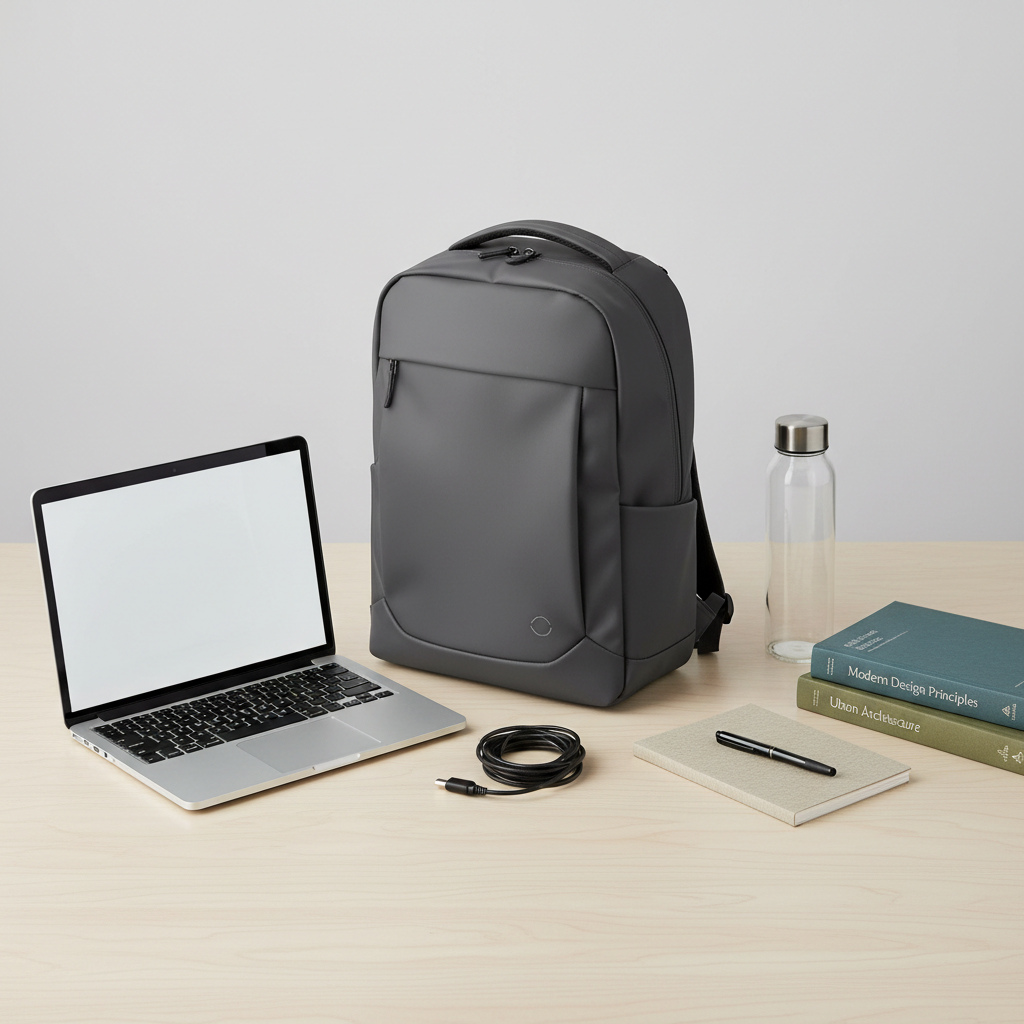
Real-world buying tips (what usually goes wrong)
This is the part most people learn after spending money once. A few small checks can save you a return trip.
- Pretty but floppy: bags with no structure tend to sag, which makes weight feel heavier and can stress zippers.
- Too many tiny pockets: they look organized in product photos, but can become clutter traps.
- Weak bottle pockets: this is a common failure point, especially with stretchy mesh over time.
- Fashion materials that scuff: some faux leather looks great, but can scratch fast if you set it on concrete.
- Ignoring strap length: if you are petite or tall, strap range matters; not every backpack adjusts well.
If you are shopping in person, load the bag with a laptop-weight item and walk around the store for two minutes. It feels a little silly, but it reveals strap pressure immediately.
Setup and care: make the backpack feel lighter and last longer
Even the best backpacks for college girls can feel rough if you pack them in a way that pulls weight away from your back.
Simple packing rules that usually help
- Heaviest items close to your back: laptop and textbooks go in the back sleeve or right behind it.
- Mid-weight in the center: notebook, headphones case, small pouch.
- Quick access on top: keys, ID, gum, sanitizer, small chargers.
- Balance left and right: a full bottle on one side can make the bag feel “twisty.”
Care habits that prevent early wear
- Spot clean stains early, and follow the brand’s cleaning instructions, some coatings do not like harsh detergents.
- Do a zipper check monthly, if it snags, clean grit first before forcing it.
- Keep pens in a pouch, ink leaks happen more often than anyone expects.
If you have persistent shoulder or back pain, it may be worth asking a healthcare professional for advice, especially if you carry heavy loads daily.
Conclusion: pick the backpack that matches your day, not the trend
The right choice usually looks boring on paper: comfortable straps, a protective laptop sleeve, and a layout that makes your essentials easy to grab. When you match those basics to your routine, you end up with a bag you stop thinking about, which is kind of the point.
If you want a simple next step, write down your laptop size and your typical carry list, then compare 3–5 backpacks in the same category and capacity range before buying.